
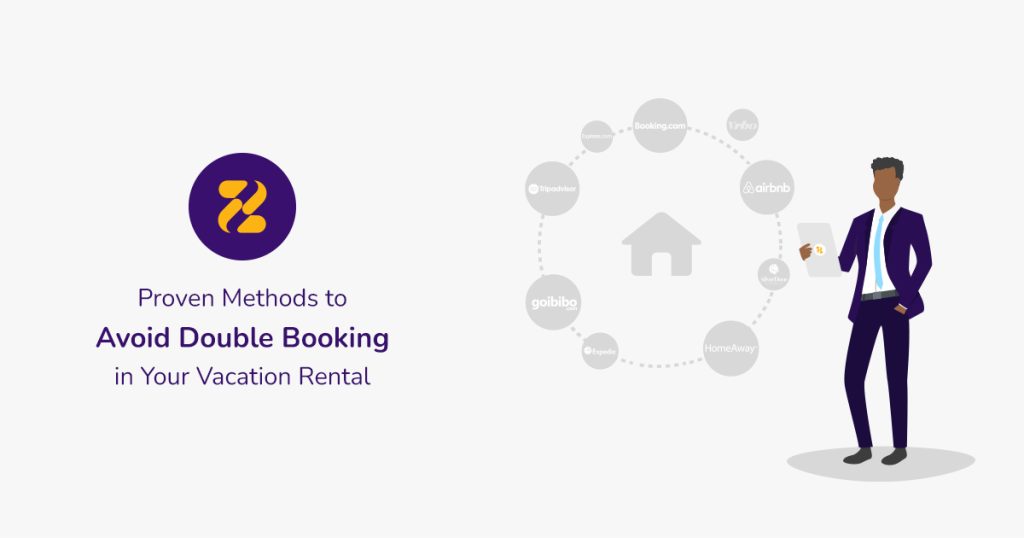
Capturing as many bookings as possible and filling your vacation rental’s occupancy calendar may be your ultimate goal. However, using several channels and OTAs to advertise your rentals could lead to what is commonly known as vacation rental double booking. To avoid double booking, it’s essential to implement strategies that synchronise all your booking platforms and keep your calendar updated in real time.
We have gathered the necessary information around the topic of vacation rental double booking. You will learn how double booking happens and what the most effective methods are to prevent it.
Table of Contents
How Does Vacation Rental Double Booking Happen?
Double bookings are not only a nightmare for vacation rental managers but also for travellers. A double booking occurs when you accidentally sell your short‑term rental to more than one guest during the same period. Although double bookings often happen unintentionally, they can seriously damage your business reputation and guest satisfaction.
Because there are many outlets for promoting your rentals, it becomes harder to keep track of every platform where your property is listed. The more exposure you gain, the higher the risk of accidental double booking unless your systems are properly synchronised.
Common Causes of Double Booking
• Listing on multiple booking websites
• Having several accounts on one booking platform
• Guests changing check‑in/check‑out dates
• Listing both separate rooms and the entire house at the same time
• Delays in updating availability after a reservation
• Misunderstandings and human errors
• Losing track of bookings when managing manually
These issues are among the most common reasons hosts search for ways to avoid double booking in vacation rentals.
Consequences of Double Booking in Short-Term Rentals
There are several consequences when a vacation rental double booking happens.
• Double bookings create bad impressions and lead to negative reviews that harm your online reputation.
• You may lose money due to refunds, penalties, or additional fees.
• You might have to find alternative accommodation for guests left without a place to stay, matching the same standards and covering the price difference or transportation.
• In many cases, you must refund the guest and deal with low review scores across multiple platforms.
Each major booking platform has its own rules and penalties for double booking:
• Airbnb charges a host cancellation fee and may post an automated public review. Repeated double bookings can affect your Superhost status.
• Booking.com does not charge a cancellation fee, but you must relocate the guest and pay the transportation and price difference. You may also receive a low review.
• Expedia lowers your visibility due to negative review impact and charges relocation costs.
• Vrbo charges cancellation fees and may remove your listing if double bookings persist.
These consequences highlight why it’s crucial to prevent double booking before it happens.
How to Avoid Double Booking
You likely want to list your property on every booking platform to maximise exposure. However, manually monitoring each platform is stressful, time‑consuming, and prone to mistakes.
No matter how careful you are, human errors can still occur. Like every vacation rental owner, you want to run your business smoothly and avoid double booking. Below are the most reliable methods to prevent it.
Implement a Channel Manager
A channel manager is one of the most effective tools to avoid double booking. It automatically synchronises all your booking platforms’ calendars, ensuring real‑time availability updates across every OTA.
With a channel manager, you can confidently list your short‑term rental on multiple platforms without worrying about calendar conflicts. You benefit from:
• Accurate availability
• Real‑time updates
• Increased visibility
• More bookings
• Less manual work
• Reduced risk of double booking
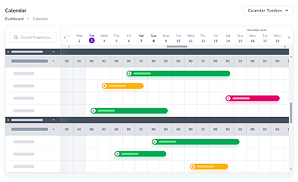
Use a Centralised Calendar
A centralised calendar provides a single, unified view of all bookings across different platforms. This helps property managers easily track reservations and reduces the chance of overlapping bookings.
Establish Clear Check-In and Check-Out Policies
Setting and clearly communicating check‑in and check‑out times helps prevent timing conflicts. Buffer time between bookings ensures:
• Smooth turnovers
• Enough time for cleaning
• Reduced risk of overlapping stays
This is essential for maintaining a great guest experience and avoiding accidental double booking.
Ensure Efficient Booking Management with Regular Audits
Regular audits help ensure that all booking processes are functioning correctly. Frequent checks can identify:
• Calendar mismatches
• Incorrect availability
• System errors
• Duplicate entries
Fixing these issues early prevents double bookings and keeps your data accurate and up‑to‑date.
Avoiding double bookings is essential for protecting your vacation rental’s reputation and ensuring a smooth guest experience. By using a channel manager, maintaining a centralised calendar, setting clear check‑in/check‑out policies, and performing regular audits, you can confidently prevent double booking and keep your business running efficiently.